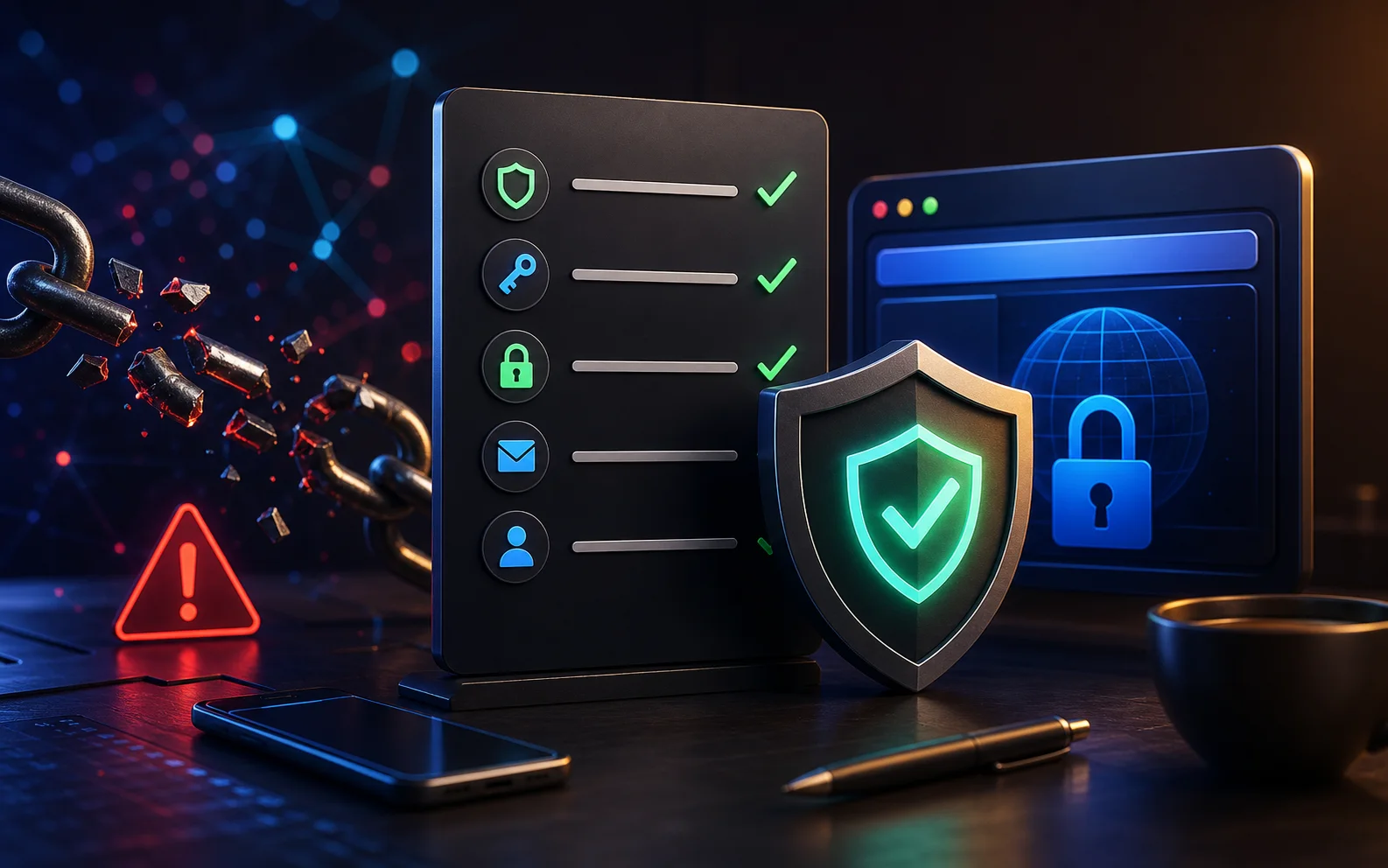
A pillar response guide for phishing links: what to do if you clicked, entered a password, shared card details, downloaded a file, or lost account access.
Last checked: May 19, 2026. If money, workplace systems, identity documents, or business accounts are involved, contact your bank, employer, platform support, or local reporting authority quickly.
Quick answer
Clicking a phishing link does not always mean you are hacked. The risk depends on what happened after the click. If you did not enter information, download a file, approve a login, or install anything, close the page and monitor the account. If you entered a password, payment details, ID information, or a one-time code, act immediately.
Do not go back to the suspicious link to "check". Use the official app or type the official website address yourself.
First 10 minutes checklist
- Close the suspicious page.
- Do not enter more information.
- Disconnect from the page, not necessarily the whole internet, unless malware is suspected.
- Save a screenshot or copy of the message if you may need to report it.
- Open the real website or app directly.
- Change any password you entered.
- Enable two-factor authentication or passkeys where available.
- Sign out of unknown sessions.
- Contact your bank if payment details were entered.
- Warn contacts if the link came from your account.
If you only clicked
If you only opened the link and closed it without entering details, the risk is usually lower. Still, check for signs that the page tried to do more:
- Did it download a file?
- Did it ask for browser notification permission?
- Did it ask you to install an app or extension?
- Did it open a login page?
- Did it request access to your camera, microphone, location, or contacts?
If none of that happened, report the message and delete it. Keep your browser updated.
If you entered a password
Change the password immediately from the official website or app. Do not use the suspicious link. If the same password was reused anywhere else, change it everywhere.
Then review:
- Recent account activity.
- Signed-in devices.
- Recovery email and phone number.
- Forwarding rules or filters in email accounts.
- Connected apps and browser extensions.
- Two-factor authentication settings.
Email accounts deserve special attention because attackers can use email to reset passwords for other services.
If you entered a one-time code
One-time codes, OTPs, and verification codes can be enough for account takeover. If you shared one:
- Open the real app or website.
- Change your password if the account uses one.
- Sign out of all sessions if available.
- Turn on stronger sign-in protection.
- Check recovery details.
- Contact official support if you cannot regain access.
Do not send any more codes to the person who asked. Legitimate support does not need your login code in chat.
If you entered card or bank details
Contact your bank, card issuer, or payment provider. Ask whether the card should be frozen, replaced, or monitored. Save the message, URL, screenshots, transaction references, and any emails.
Do not trust follow-up calls claiming they can reverse the scam unless you verify the phone number independently. Scammers often call again after collecting details.
If you downloaded a file
Do not open the file again. Delete it if you have not opened it. If you opened it or installed something:
- Run a security scan.
- Remove unknown apps or extensions.
- Update your device.
- Watch for pop-ups, unknown logins, or new browser behavior.
- If it is a work device, report it to IT immediately.
Do not hide the incident at work. Fast reporting can limit damage.
If the link came from your own account
If contacts received phishing links from your account, assume the account may be compromised. Change the password, sign out of other sessions, check connected apps, and post a warning from the recovered account.
Tell contacts not to click links, send money, or share codes based on messages sent during the compromise window.
If it involved work or school
Report it to IT, security, or your administrator quickly, even if you feel embarrassed. A fast report can help them block the link, reset sessions, warn other users, and check whether files, email, or shared systems were touched. Do not delete evidence unless they ask you to.
Reporting
Report the message inside the platform where it arrived. For email, use the report phishing option if available. For financial fraud, report to your bank first. In the United States, the FTC accepts fraud reports through ReportFraud.ftc.gov. Other countries have their own cybercrime or consumer protection channels.
FAQ
Can my phone be hacked just by clicking a link?
It is possible in rare cases, but most phishing attacks rely on you entering information, installing something, or approving access. Keep your device updated to reduce risk from malicious pages.
Should I factory reset my phone?
Usually not for a simple click. Consider stronger steps if you installed an unknown app, granted device-management access, see persistent suspicious behavior, or a security professional recommends it.
Should I reply to the scammer?
No. Report, block, and secure your accounts. Replying can confirm your number or email is active.
Sources
- FTC phishing guidance: consumer.ftc.gov
- FTC fraud reporting: reportfraud.ftc.gov
- CISA Secure Our World: cisa.gov
Before you move on
Step-by-step recovery. Use this short checklist to turn the article into action.
- Start with the official app or account page, not a link from a message.
- Change exposed passwords and review active sessions.
- Save evidence if money, identity documents, or business accounts are involved.
This guide is written for practical user safety. For account, platform, or legal decisions, confirm critical steps with the official help center or your service provider.