A pillar guide to the WhatsApp verification code scam, warning signs, account recovery steps, two-step verification, and safe reporting.
Last checked: May 19, 2026. WhatsApp recovery steps can change, so use this guide with the official WhatsApp Help Center if your account is already compromised.
Quick answer
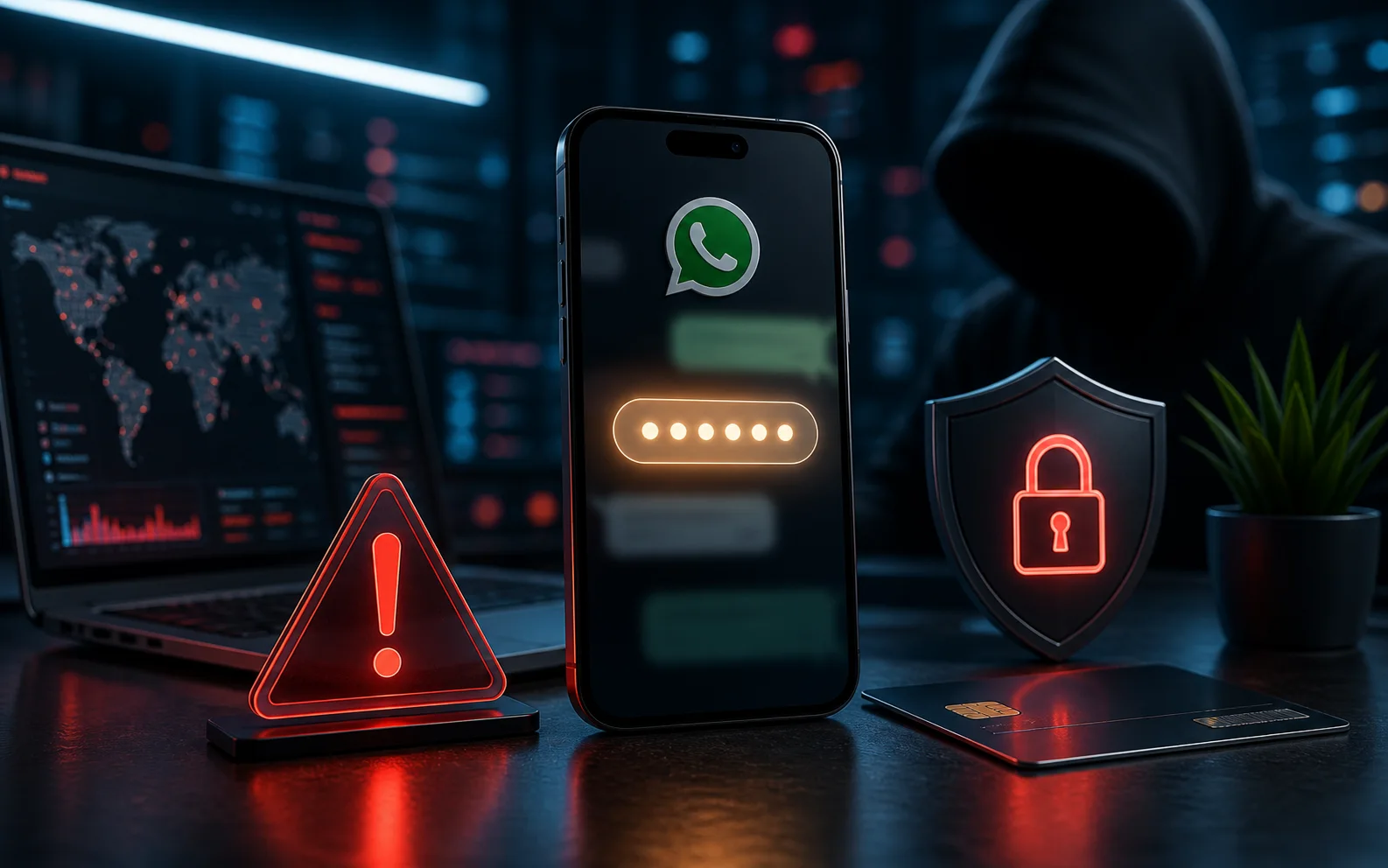
The WhatsApp verification code scam happens when a scammer tries to register your phone number on another device and then tricks you into sharing the six-digit code sent to your phone. If you share that code, the scammer may be able to access your WhatsApp account.
Never share WhatsApp verification codes, SMS codes, one-time passwords, or two-step verification PINs with anyone. WhatsApp and legitimate support teams do not need you to forward those codes in chat.
How the scam works
The attacker starts by entering your phone number into WhatsApp on their device. WhatsApp sends a registration code to your phone number. The attacker cannot finish login without that code, so they contact you.
The message may come from:
- A compromised friend's account.
- Someone pretending to be family.
- A fake business support account.
- A stranger claiming the code was sent to you by mistake.
- A message that creates urgency, fear, or embarrassment.
The goal is to make you respond before thinking. Once the attacker gets the code, they can continue the registration process.
Why this scam spreads fast
WhatsApp is built around trust. If a message appears to come from a known contact, many people respond quickly. Attackers use this trust to spread the scam from one compromised account to the next.
After takeover, the attacker may message your contacts, ask for emergency money, promote fake investments, request more verification codes, or send phishing links. People are more likely to believe the message because it comes from your number.
Warning signs
- Someone asks for a six-digit WhatsApp code.
- The message says the code was sent by mistake.
- A contact asks for urgent help, money, or secrecy.
- You receive a registration code even though you did not try to sign in.
- The sender pressures you not to call them.
- The request comes with poor spelling, unusual tone, or strange timing.
- A "support" account asks for your code, PIN, or password.
If any of these happen, stop the chat and verify through a separate trusted channel.
What to do if someone asks for your code
Do not share the code. Call the person using a saved phone number, not the WhatsApp chat, and ask whether they really sent the message. If they did not, tell them their account may be compromised.
Report the suspicious message inside WhatsApp if possible. You can also block the sender if the account is unknown. Warn close contacts if the scam appears to be spreading in a family, school, work, or community group.
What to do if you shared the code
Act quickly:
- Open WhatsApp on your phone.
- Try to sign in again with your phone number.
- Request a new registration code.
- Enter the code only inside your own WhatsApp app.
- If you regain access, turn on two-step verification immediately.
- Check linked devices and remove anything you do not recognize.
- Tell contacts to ignore money requests, links, or code requests sent during the compromise.
If two-step verification was enabled by the attacker, you may have to wait before you can sign back in. Follow WhatsApp's official account recovery instructions.
Turn on WhatsApp two-step verification
Two-step verification adds a PIN to your WhatsApp account. It makes account takeover harder because a registration code alone may not be enough.
Use a PIN you can remember but others cannot guess. Add an email address for recovery if WhatsApp offers that option in your app. Do not use your birthday, phone number, or simple repeated digits.
Check linked devices
WhatsApp can be used on linked computers and web sessions. If an attacker or someone with physical access linked your account elsewhere, your messages may be visible outside your phone.
Open WhatsApp settings and review linked devices. Remove any device you do not recognize. If you are unsure, remove all linked devices and reconnect only the ones you use.
Protect the phone number and email behind WhatsApp
Your WhatsApp account depends on your phone number and sometimes your email for recovery or verification. Protect both:
- Lock your SIM with a carrier PIN if your carrier supports it.
- Keep your phone screen locked.
- Protect your email account with two-factor authentication.
- Avoid sharing screenshots of SMS codes.
- Be cautious with SIM-swap warning signs, such as sudden loss of mobile service.
FAQ
Can WhatsApp support ask for my verification code?
No. Treat any chat asking for your code as suspicious. Verification codes are meant to be entered by you into your own app.
Can a scammer read old messages after taking over my account?
Access depends on the device, backups, and WhatsApp's current behavior, but takeover is still serious. The attacker can impersonate you and message your contacts.
Should I leave WhatsApp groups after a takeover?
First regain access, secure the account, remove unknown linked devices, and warn group admins. Leaving every group is usually less useful than stopping impersonation quickly.
Sources
- WhatsApp Help Center: stolen accounts: faq.whatsapp.com
- WhatsApp Help Center: two-step verification: faq.whatsapp.com
- FTC phishing guidance: consumer.ftc.gov
- CISA Secure Our World: cisa.gov
Before you move on
Consumer scam response. Use this short checklist to turn the article into action.
- Do not reply with OTPs, login codes, or recovery phrases.
- Verify urgent requests through a separate trusted channel.
- Warn contacts quickly if your account may have been used.
This guide is written for practical user safety. For account, platform, or legal decisions, confirm critical steps with the official help center or your service provider.